The most compact browser for your Mac
Free for 30 days, no credit card. Requires macOS 12.3 or later.
Introducing Sliver
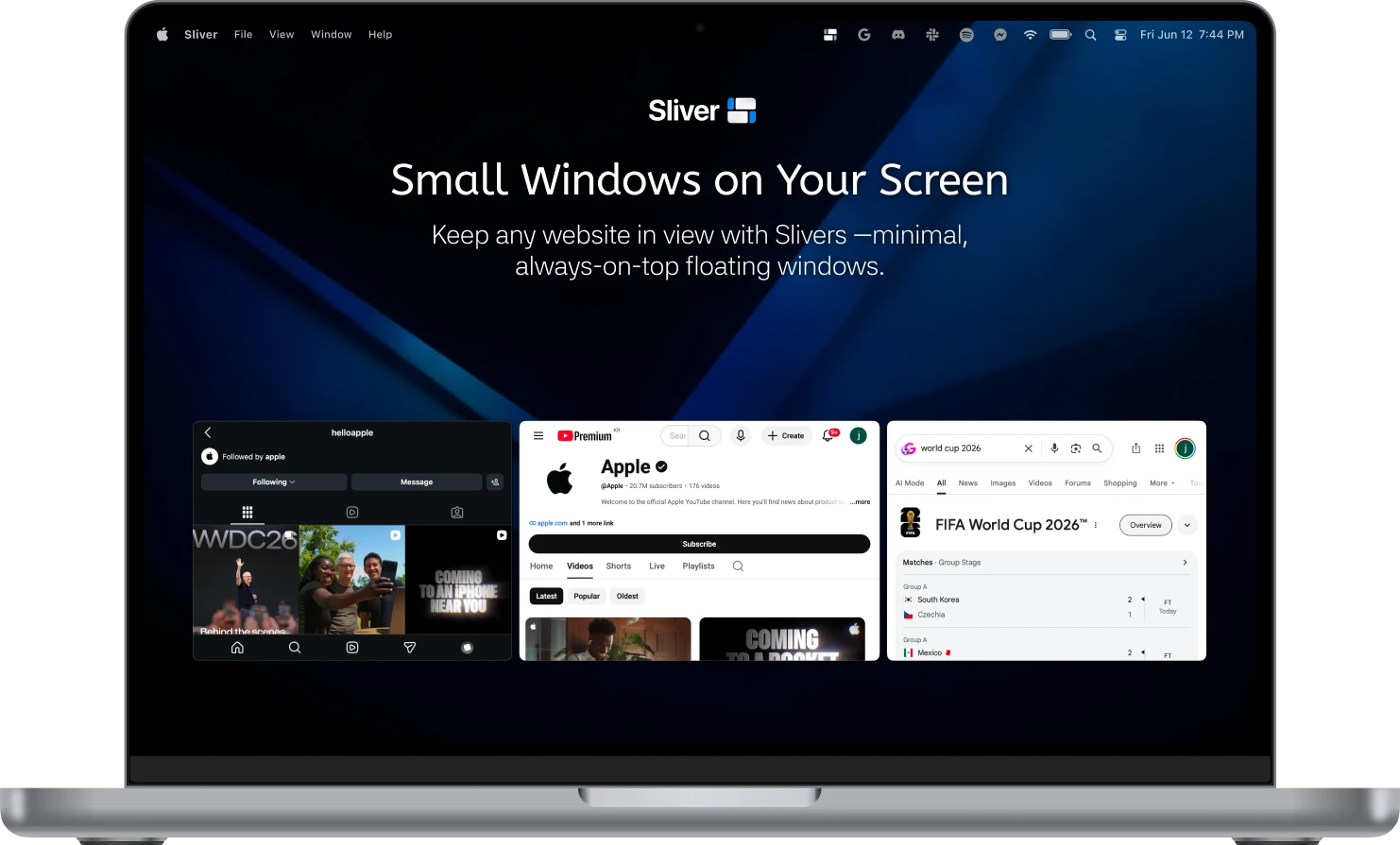
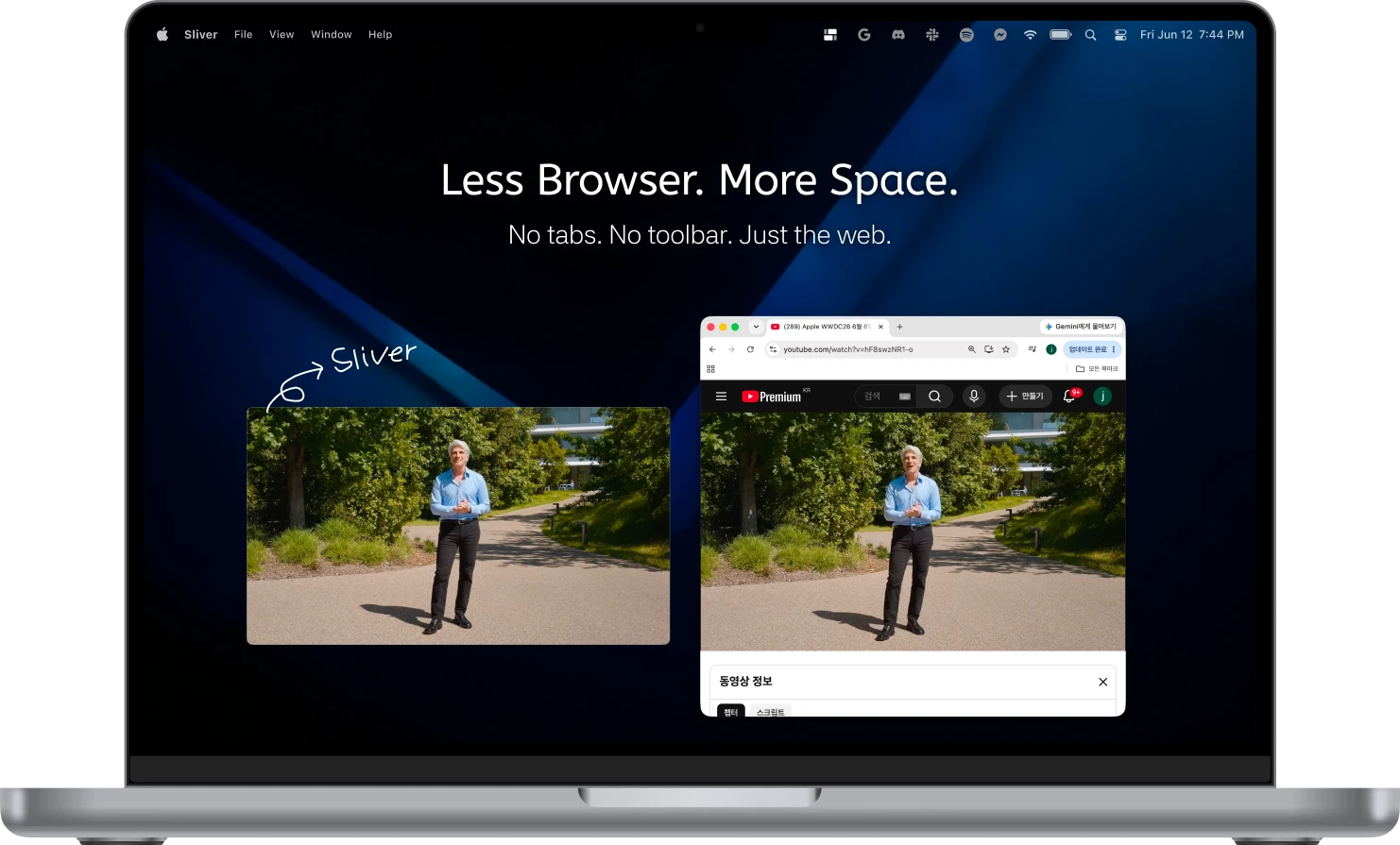
Sliver is a Mac app that turns any website into a small window.No tabs, no toolbar, just the web, floating above your other apps so a video, a chat or a doc stays beside your work.
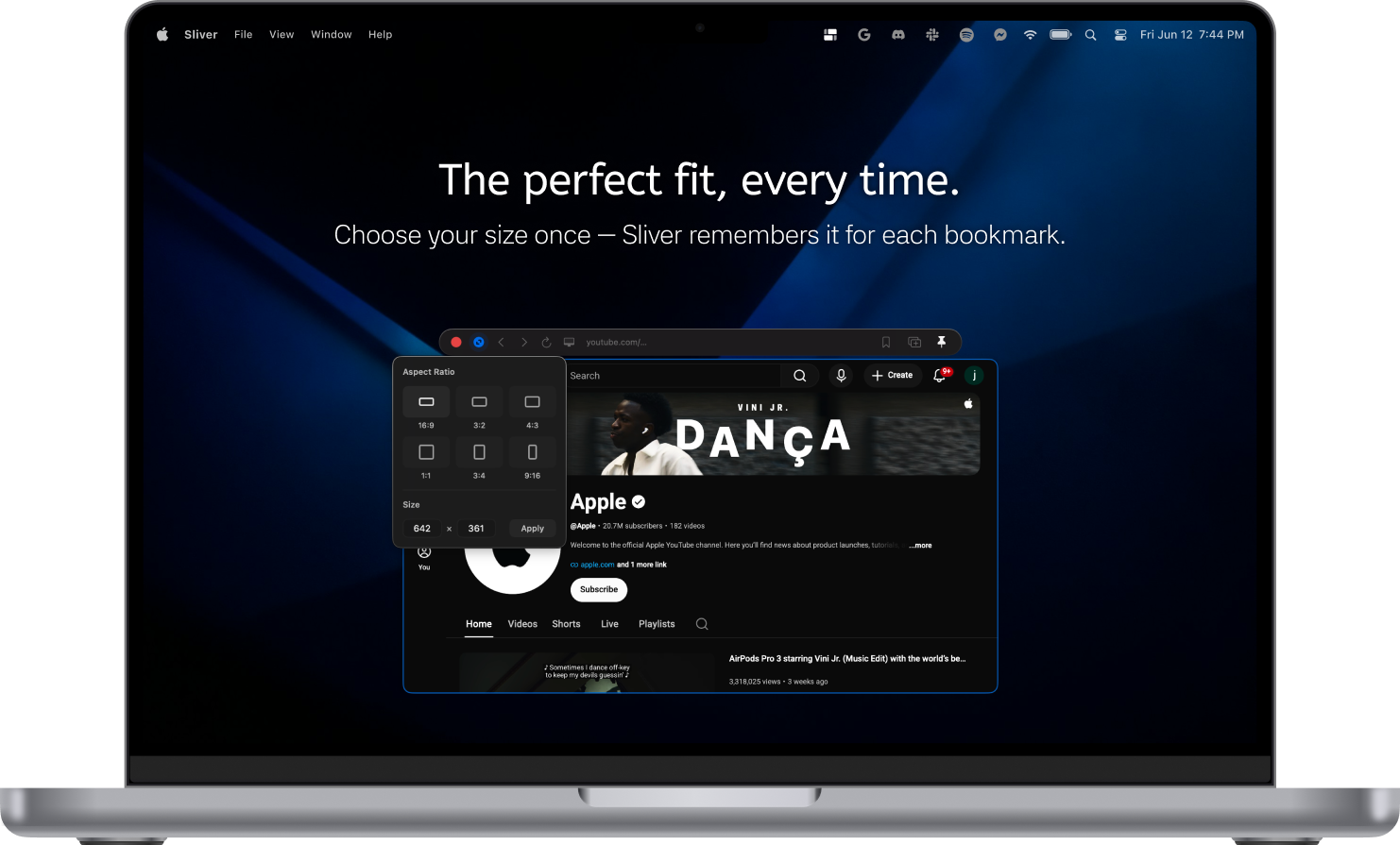
You can place it anywhere, at the size you want.Pick the exact ratio you need, and bring every window forward or send it back with one shortcut.
Features
Your windows, your way.
Fullscreen inside the window (PiP)
YouTube fills your Sliver window, not your whole monitor.
Magnetic snapping
Windows snap to screen edges and to each other.
Mobile or desktop view
Switch any site between its phone and desktop layout with one shortcut. Sliver remembers the choice per site.
Find any open Sliver
See every open Sliver from the menu bar, then click one to jump straight to that window.
Use cases
Here's how to use it
Keep what you need in view without covering your workspace.
Privacy
Your browsing stays yours.
Sliver keeps your data on your Mac and shares almost nothing.
Pricing
Try it free. Keep it forever.
No subscription. Pay once, keep it for good.
Free
Great for getting started
$0/ forever
- Up to 3 windows at once
- Up to 5 bookmarks
Sliver
RecommendedFor everyday use
$6.50/ one-time
- Unlimited windows
- Up to 10 bookmarks
- One license for up to 2 Macs
- No subscription
Both versions include every feature. The only difference is how many windows and bookmarks you can use.
Questions
Is this a subscription?+
No. You pay once and the license is yours to keep.
What happens after the 30-day trial?+
From the next launch, Sliver locks until you enter a license key.
How is this different from the free App Store version?+
The free version has the same core features but is limited to 3 windows and 5 bookmarks. The paid version has unlimited windows and up to 10 bookmarks.
How many Macs can I use it on?+
One license works on up to 2 Macs. Moving to a new Mac? Deactivate the old one in Sliver and activate the new one.
Can I sign in to any website?+
Most sites keep you signed in just like a browser, with two exceptions. Some Google sites may sign you out from time to time or show an unsupported browser message, and passkeys aren't supported yet, so sign in with your password instead.
Does Sliver support Chrome extensions?+
No. Sliver uses WebKit, the same engine as Safari, so Chrome extensions aren't supported.
Can Sliver see what I browse?+
No. Websites load directly on your Mac. Anonymous analytics only record event names, never URLs or search terms.
What does Sliver send over the internet?+
Only three things: anonymous event counts, a license check with your license key and your Mac's name, and a check for new versions. Nothing about the sites you visit.
Which versions of macOS are supported?+
macOS 12.3 Monterey or later.
Which languages does Sliver support?+
The app's menus and settings are in English and Korean. Websites inside Sliver show in any language, just like in your browser.
Is there a Windows version?+
No. Sliver is Mac only.